10 Creative Desk Cable Organization Ideas That Really Work
A tangled mess of cords under your desk isn’t just an eyesore — it’s a daily source of stress, a dust magnet, and honestly, a small tripping hazard waiting to happen. The good news? Taming your cable chaos doesn’t require an electrician or a full desk overhaul. With a few smart tools and a little planning, you can turn that snake pit of wires into a calm, organized setup that actually looks good.
Whether you’re working from a cozy home office, a shared family study nook, or a dorm room desk, these 10 desk cable organization ideas are simple, affordable, and beginner-friendly. Each one comes with practical styling tips and real-life placement ideas so you can pick what fits your space best — no fancy tools or complicated wiring skills required.
1. Under-Desk Cable Tray
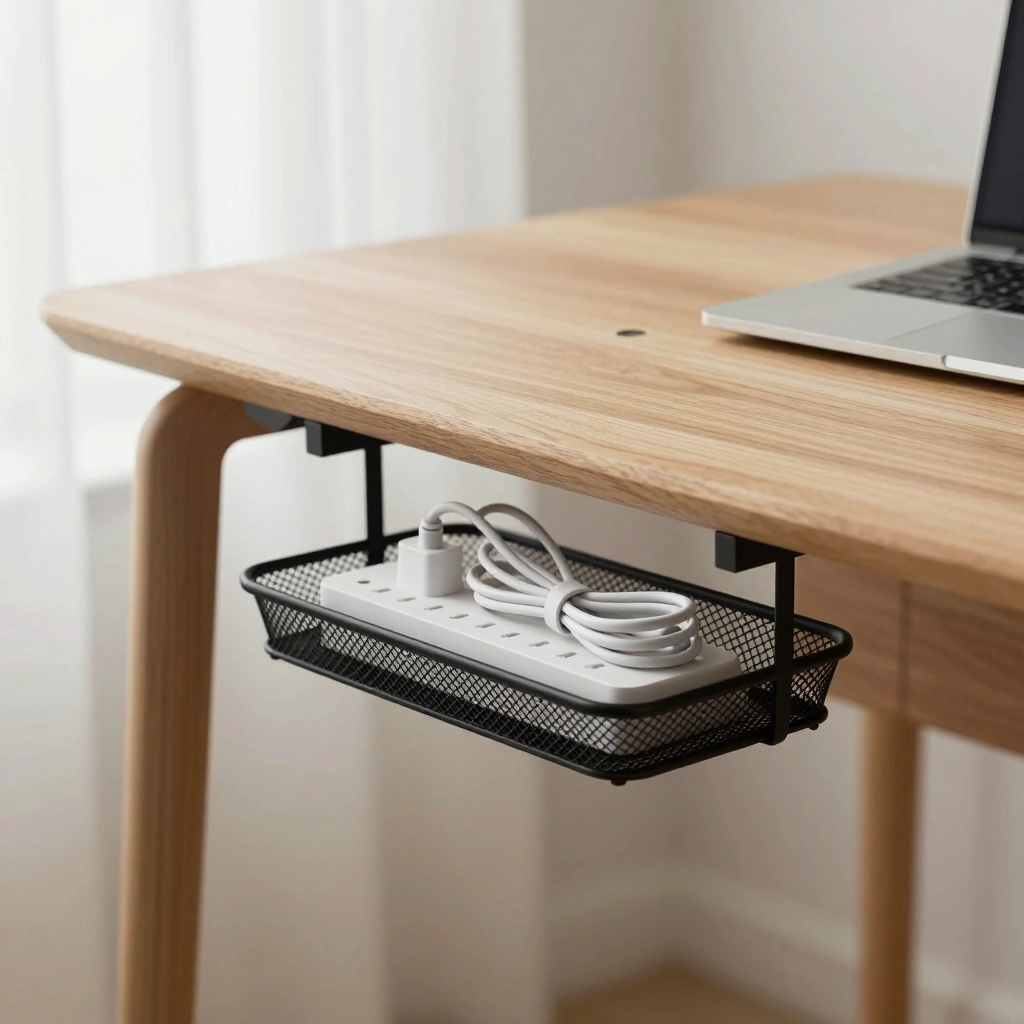
A cable tray is a simple wire or mesh basket that mounts underneath your desk to hold power strips, chargers, and excess cord length off the floor. It keeps everything bundled in one hidden spot, so all you see from the front is a clean, empty desk surface.
How to Style It:
- Choose a tray color that blends with your desk’s underside (black for dark wood, white for painted desks)
- Bundle cords with velcro ties before placing them in the tray
- Leave a little slack so you can still unplug things easily
Where to Use It: Home offices, study desks, and standing desks with open under-desk space.
Pro Tip: Measure your desk’s depth before buying — trays that are too deep can bump your knees when you sit down.
2. Cable Sleeve Wraps
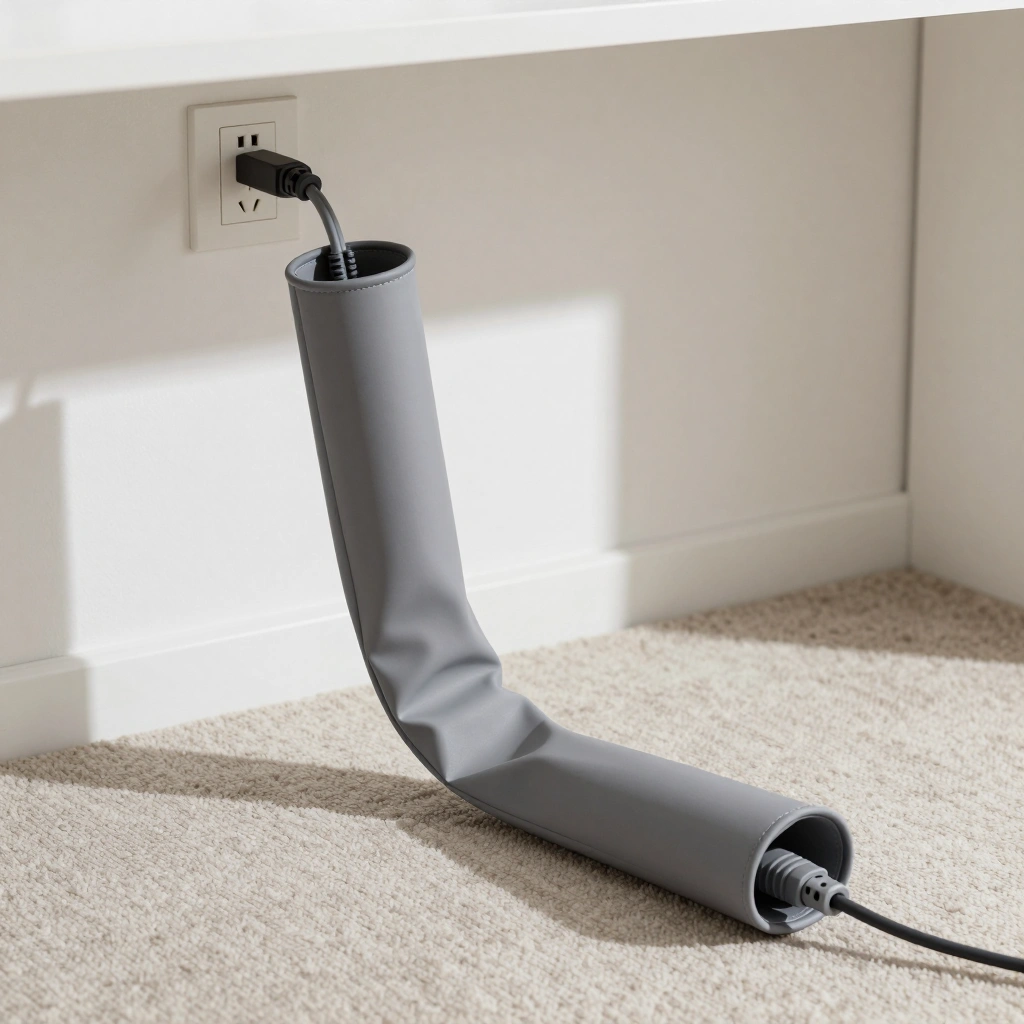
A cable sleeve is a flexible fabric or neoprene tube that bundles multiple cords into one single, tidy strand. Instead of five loose wires running to your outlet, you get one clean cable “tube” that looks intentional instead of accidental.
How to Style It:
- Match the sleeve color to your wall or baseboard so it disappears visually
- Use a zipper-style sleeve for cords you’ll need to add to later
- Trim excess length so the sleeve lies flat instead of coiling
Where to Use It: Along baseboards, behind TV stands, or running from desk to wall outlet.
Pro Tip: Group cords by destination first (monitor cords together, charger cords together) before sleeving — it makes future troubleshooting much easier.
3. Adhesive Cable Clips
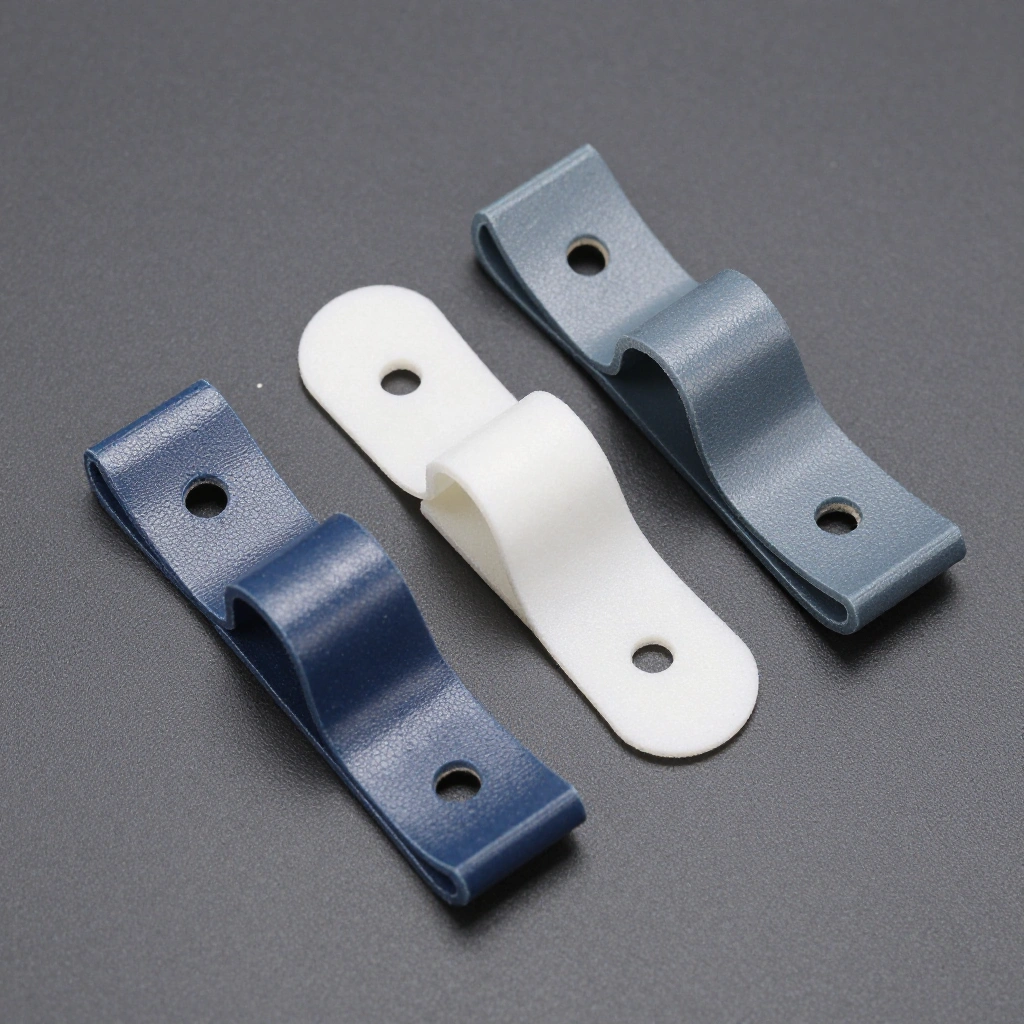
These small plastic or silicone clips stick to the back or side of your desk and hold individual cords in place so they don’t slide down and pool on the floor. They’re one of the cheapest and fastest fixes for everyday cord drift.
How to Style It:
- Space clips evenly along the desk edge for a tidy, symmetrical look
- Use clear clips on light-colored desks so they stay nearly invisible
- Reserve one clip per cord so nothing gets tangled together
Where to Use It: Desk edges, under shelves, or along the inside of drawers.
Pro Tip: Clean the surface with rubbing alcohol before sticking the clips — it helps the adhesive hold much longer.
4. Cable Management Box
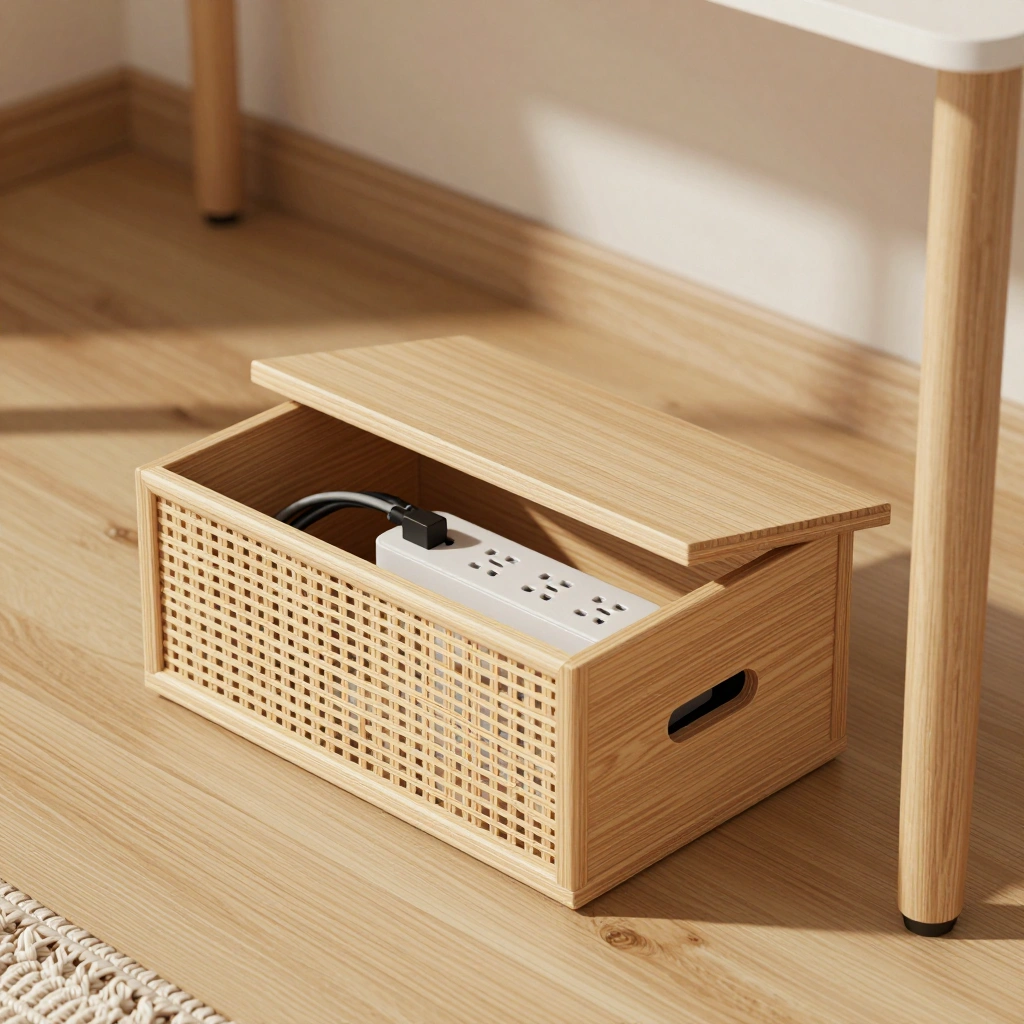
A cable box is a small ventilated container that hides your power strip and the tangle of plugs connected to it. Everything goes inside, the lid closes, and only the cords you actually need peek out through small openings.
How to Style It:
- Pick a box material that matches your decor — woven rattan for boho spaces, matte wood for minimalist rooms
- Leave the lid slightly vented if your power strip runs warm
- Position the box within easy reach for plugging and unplugging devices
Where to Use It: Floor space beside a desk, under a console table, or tucked into a corner nook.
Pro Tip: Choose a box a size larger than you think you need — it makes room for future gadgets without overcrowding.
5. Vertical Cable Organizer Panel
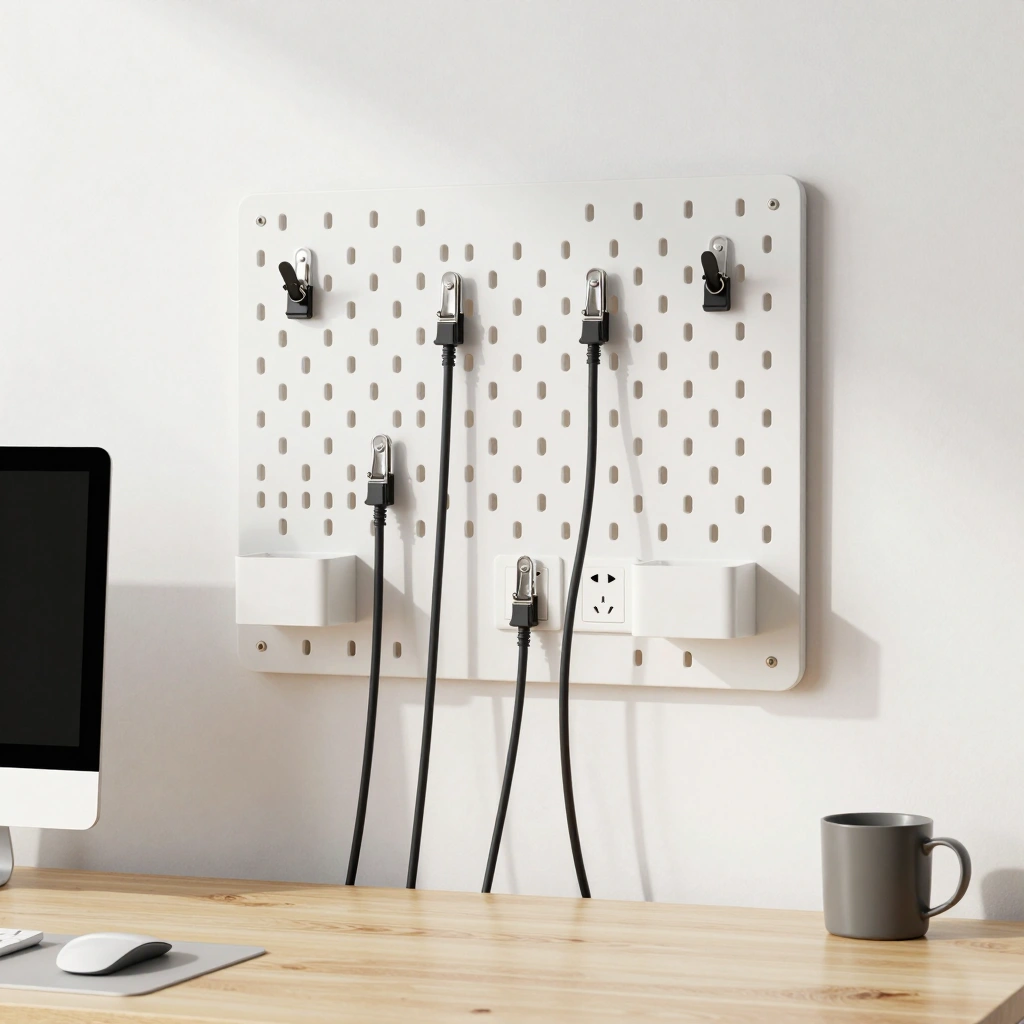
Mounted to the wall behind your desk, this pegboard-style or slotted panel lets you route cords vertically and clip them at different heights. It’s especially handy for setups with multiple monitors, lamps, and chargers all needing their own path.
How to Style It:
- Paint or choose a panel that matches your wall color for a seamless look
- Label each clip point if you frequently swap devices
- Route the thickest cords (like monitor power cables) along the bottom row
Where to Use It: Behind desks pushed against a wall, in home offices, or gaming setups.
Pro Tip: Install the panel slightly wider than your desk so cords have a natural, gentle curve instead of sharp bends.
6. Cord Clips on Desk Legs
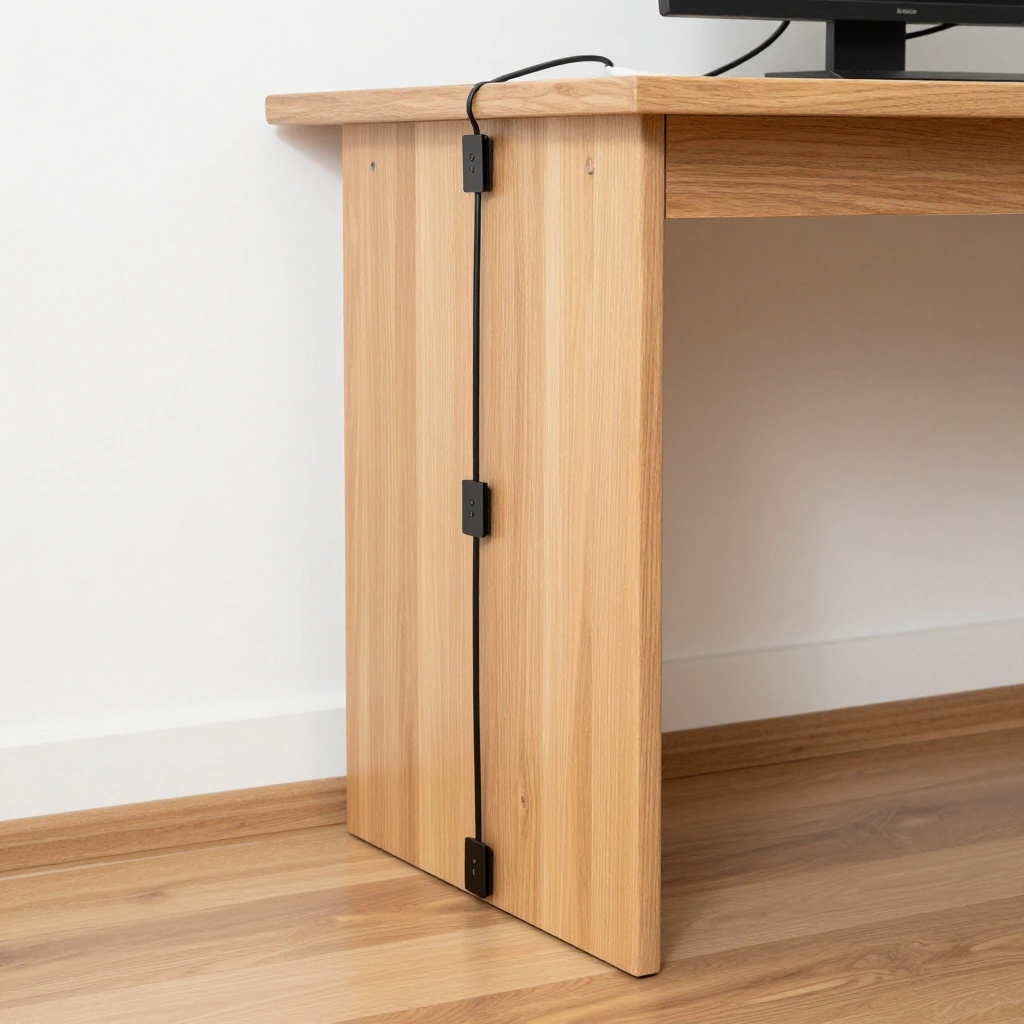
Instead of clipping cords to the desktop edge, this method routes them down the actual desk legs using small spiral clips or adhesive loops. It keeps cords fully vertical and out of the way of your feet and chair wheels.
How to Style It:
- Use clips in a metal or matte black finish to match modern desk legs
- Keep one dedicated leg for power cords and another for data/charging cables
- Trim cord length so nothing pools at the base of the leg
Where to Use It: Metal-framed desks, standing desks, or glass-top desks where legs are visible.
Pro Tip: Test your chair’s rolling path first — route cords along the leg farthest from where your wheels travel.
7. Multi-Device Charging Station
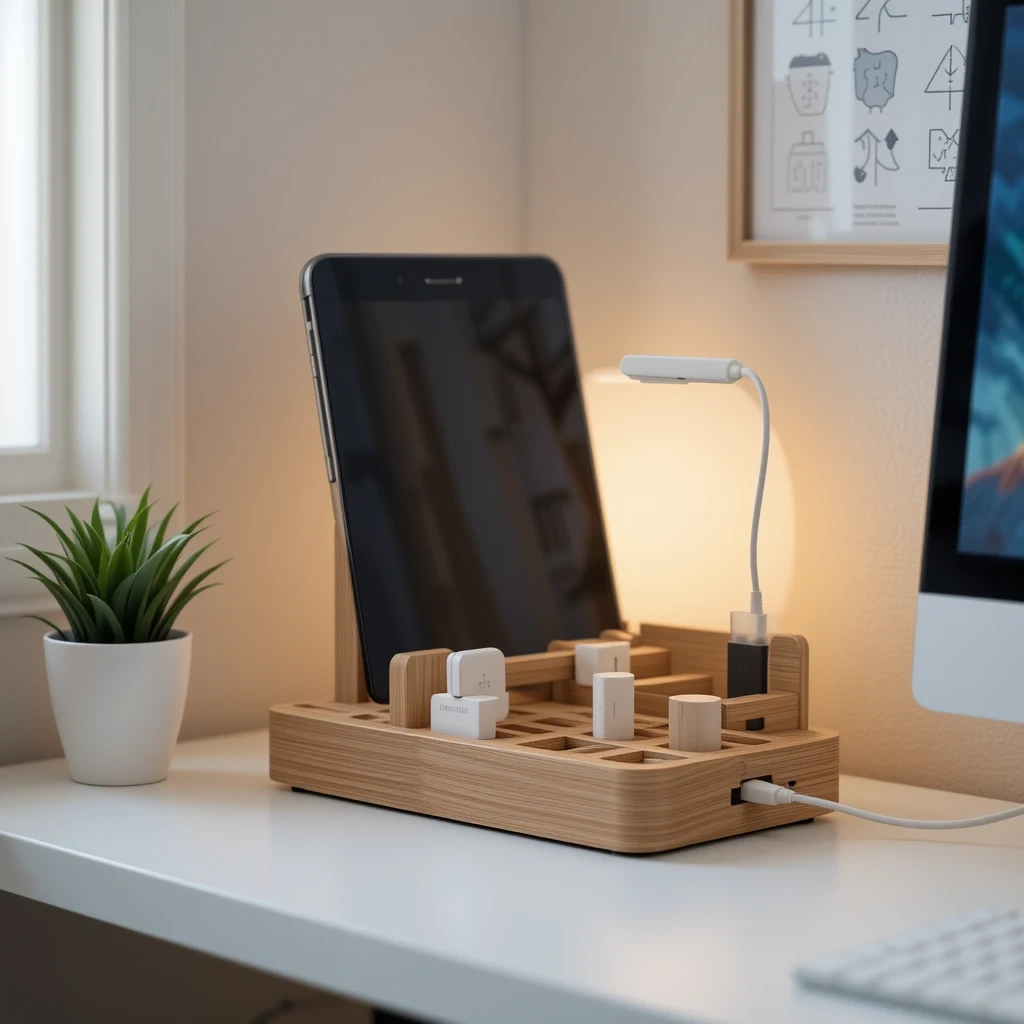
A charging station is a small dock or tray with built-in slots for phones, tablets, and other devices, paired with a single hidden power source. It replaces a jumble of separate chargers with one clean, dedicated spot for everything to power up.
How to Style It:
- Choose a station with a wood or matte finish to keep it feeling homey, not clinical
- Position charging slots at a slight incline so screens stay visible while charging
- Keep only the cords you use daily plugged in — store spares elsewhere
Where to Use It: Kitchen desks, family command centers, kids’ study corners, or entryway tables.
Pro Tip: Choose a station with surge protection built in if it’s used by the whole family — it adds safety along with tidiness.
8. Under-Desk Cable Basket with Dividers
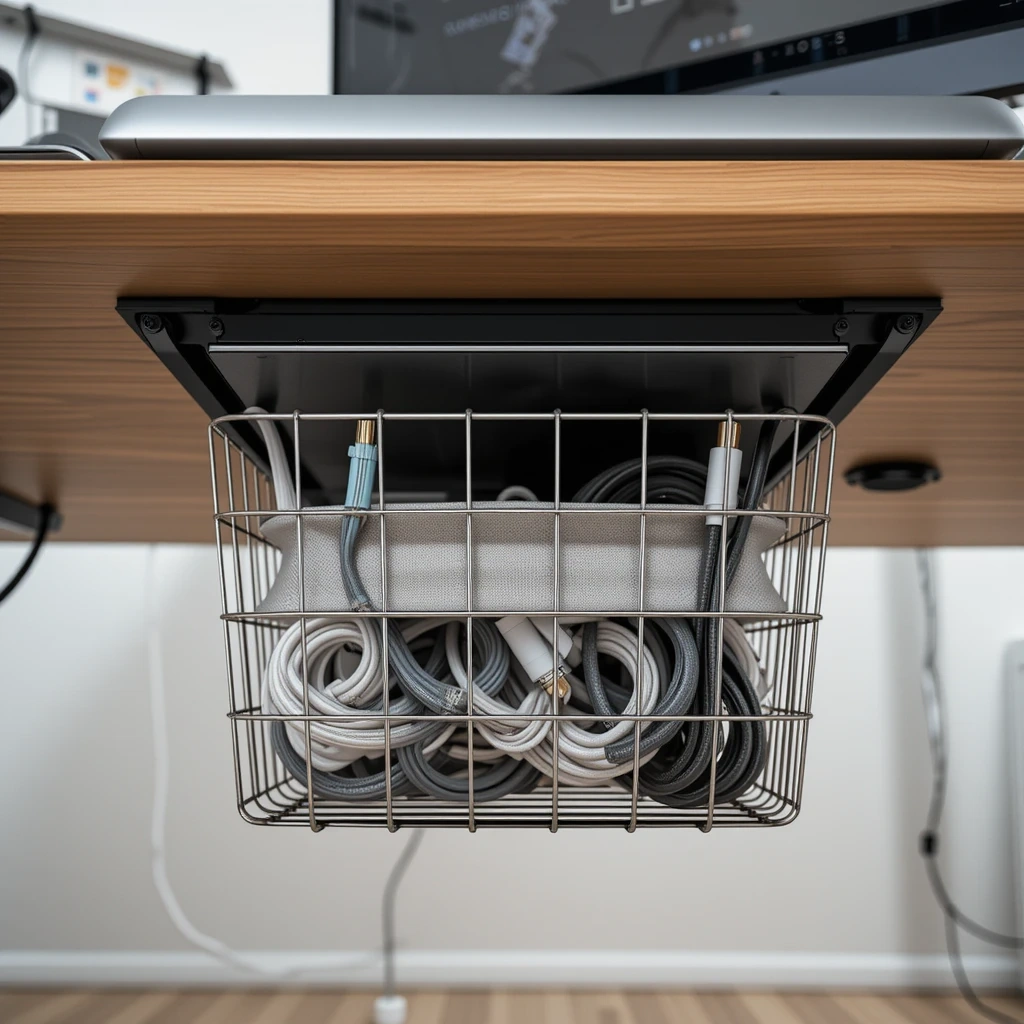
Similar to a cable tray, but with built-in fabric or wire dividers that separate cords by category — power, USB, video, and so on. It’s ideal for busy desks with a lot of connected equipment, like dual-monitor or gaming setups.
How to Style It:
- Color-code each divider section with small tags if multiple family members share the desk
- Coil extra cord length into loose figure-eights to prevent kinking
- Keep the heaviest cords (like monitor power bricks) in the section closest to the wall
Where to Use It: Gaming desks, dual-monitor workstations, or shared family desks.
Pro Tip: Leave one divider section empty — it gives you room to add a new device later without redoing the whole system.
9. Cable Grommets Through the Desk
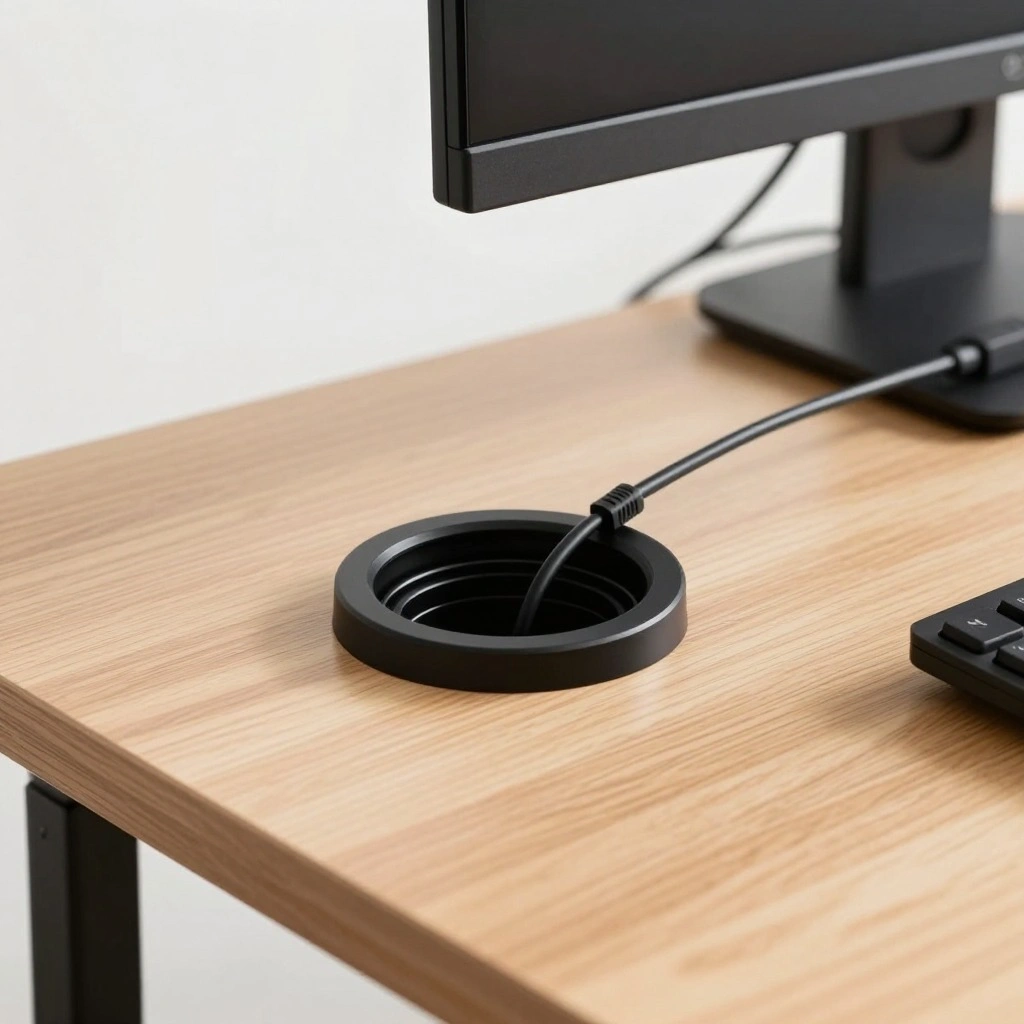
A grommet is a small circular opening installed directly through the desktop, letting cords pass from the surface to the floor through a clean, finished hole instead of hanging off the back edge. It’s a slightly more permanent solution, but it looks incredibly polished.
How to Style It:
- Pick a grommet finish (brass, black, or white) that matches your desk hardware
- Position it near the back corner so cords have the shortest path to the floor
- Use a grommet with a flip-top cover to hide the hole when not in use
Where to Use It: Built-in desks, custom furniture, or permanent home office setups.
Pro Tip: Measure twice before drilling — a grommet hole is easy to add but hard to undo if placed in the wrong spot.
10. Floor Cable Cover Track
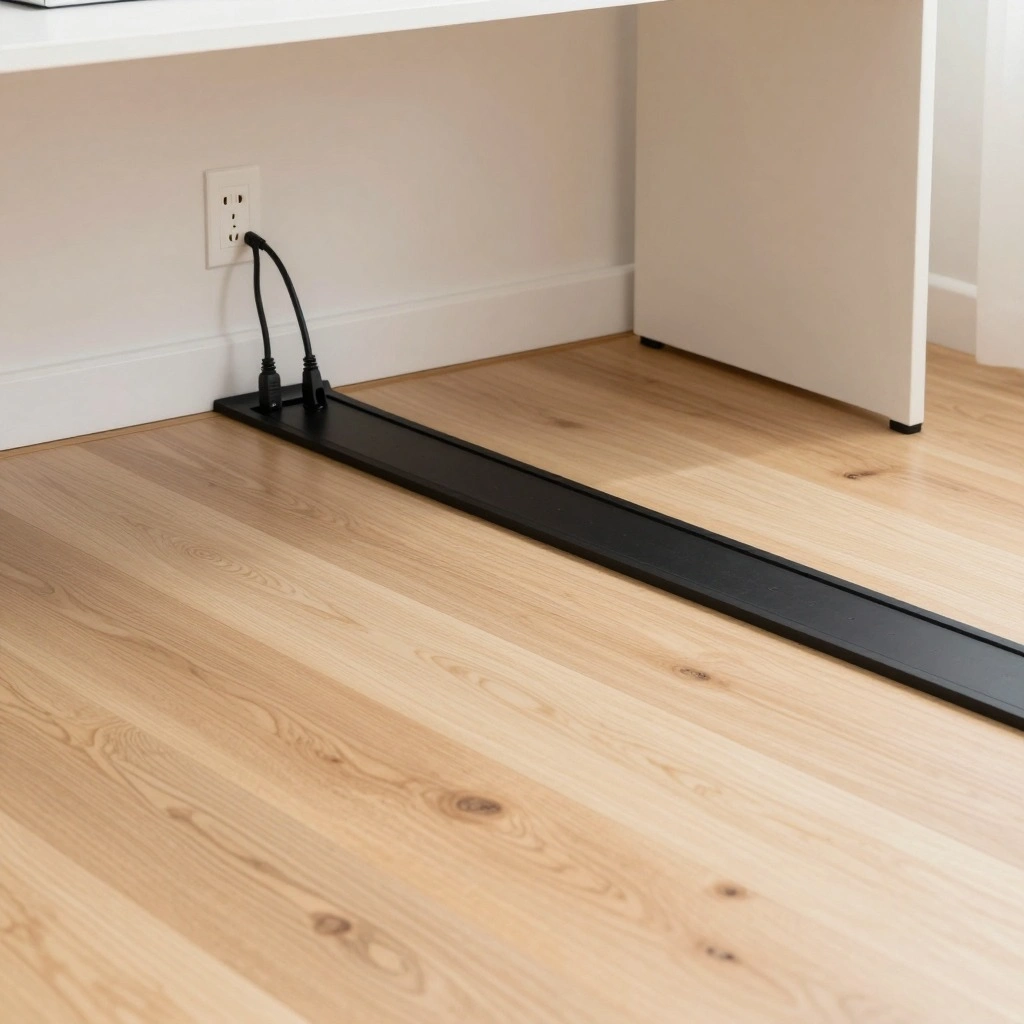
For cords that must run across open floor space to reach an outlet, a floor cable cover is a low-profile track that lies flat over the cords, protecting them from foot traffic while keeping them fully hidden underfoot.
How to Style It:
- Choose a cover color that matches your flooring so it blends in rather than stands out
- Use a textured, non-slip top surface if kids or pets are in the home
- Secure the ends with matching tape so corners don’t lift over time
Where to Use It: Shared family rooms, playrooms, hallways, or any desk positioned away from a wall outlet.
Pro Tip: Always route the cover along a wall or low-traffic path rather than the middle of a walkway, even if it’s covered — it reduces tripping risk significantly.
Common Mistakes to Avoid
- Bundling cords too tightly: Overly tight zip ties can damage cable insulation over time. Use velcro ties instead for a secure but gentle hold.
- Ignoring cord length: Buying organizers without measuring your actual cord lengths first often leads to cramped, overstuffed solutions.
- Blocking ventilation: Enclosing power strips or chargers in fully sealed boxes can cause overheating. Always leave small vent openings.
- Mixing high-power and low-power cords carelessly: Keep bulky power adapters separate from delicate USB or audio cables to avoid interference and clutter.
- Forgetting future needs: Setting up a system with zero extra room makes it hard to add a new monitor, lamp, or gadget later without starting over.
Frequently Asked Questions about Desk Cable Organization Ideas
Q: What’s the cheapest way to organize desk cables? A: Adhesive cable clips and velcro ties are the most budget-friendly options, often costing very little while instantly reducing visible clutter.
Q: Are cable organizers safe for homes with kids? A: Yes, as long as you choose covered options (like trays, boxes, or floor covers) that fully enclose cords and avoid leaving loose wires within reach of curious little hands.
Q: How do I organize cables without drilling holes in my desk? A: Adhesive clips, cable sleeves, under-desk trays, and cable boxes all require zero drilling and can be removed or repositioned anytime.
Q: Can I use these ideas on a small desk? A: Absolutely. Compact solutions like adhesive clips, small cable boxes, and vertical panels are especially well-suited to smaller desks with limited space.
Q: How often should I redo my cable organization? A: A quick check every few months is usually enough — mainly to add new devices, tighten loose clips, or tidy any cords that have shifted out of place.
Conclusion
A cluttered tangle of cords doesn’t have to be a permanent part of your workspace. With just a few affordable tools — trays, sleeves, clips, or a simple charging station — you can create a desk area that’s calm, functional, and safe for the whole family to use.
Start with one or two ideas from this list that match your space and budget, and build from there. A little organization goes a long way toward making your workspace feel more peaceful every single day.