12 Teacher Desk Organization ideas for an Organized Classroom
Walking into a cluttered classroom on a Monday morning can set the tone for a stressful week — but it doesn’t have to be that way. A well-organized classroom saves teachers time, reduces daily stress, and creates a calmer, more focused environment for students to learn in.
In this guide, you’ll find 12 practical and beautiful teacher Desk organization ideas, complete with styling tips, best placement suggestions, and pro tips to help you get it just right the first time.
1. Rolling Cart Command Center
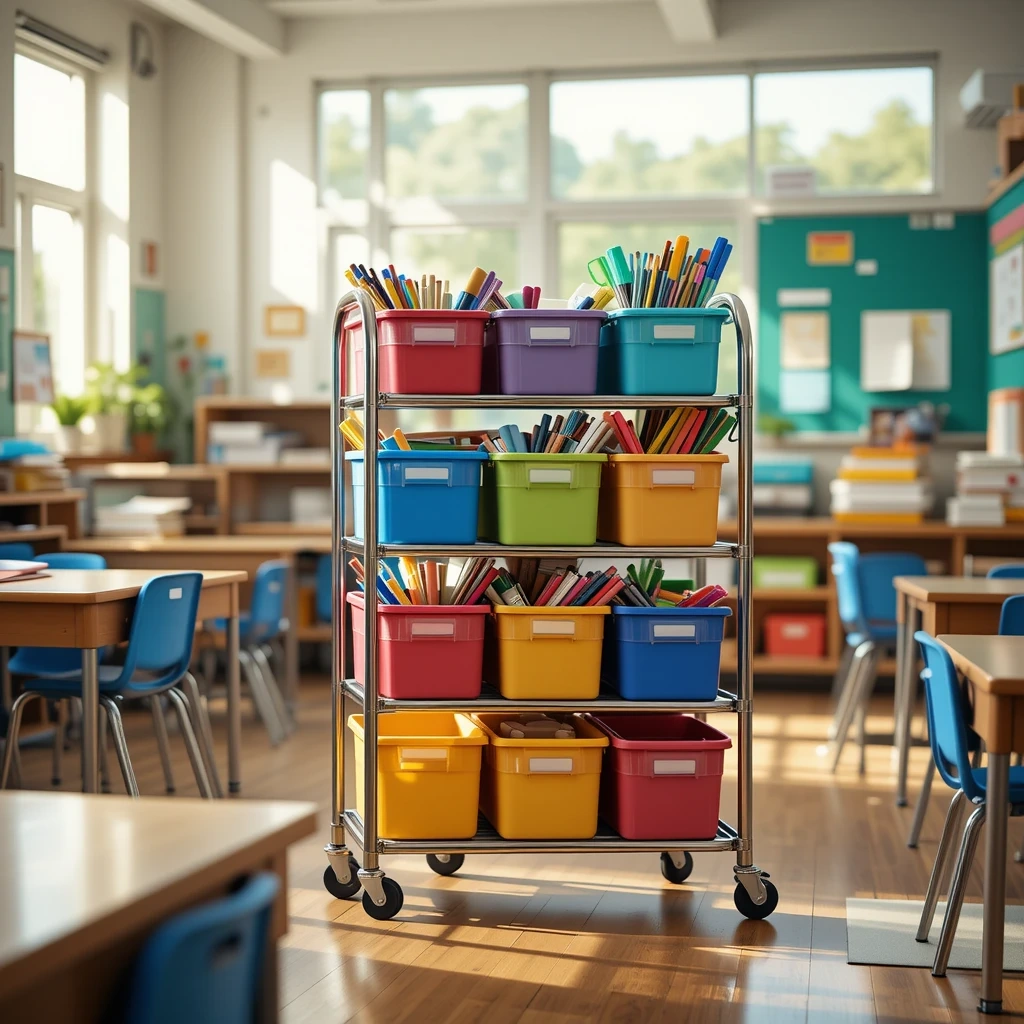
A multi-tier rolling cart is one of the most flexible organization tools a teacher can own. It holds everything from markers to laminated worksheets, and it rolls wherever you need it — from your desk to small group stations.
How to Style It:
- Use matching bins or baskets on each tier for a clean, uniform look
- Add chalkboard labels or printable tags to each shelf
- Choose a color palette that matches your classroom theme
Where to Use It: Beside your teaching station, near a small group table, or tucked next to the classroom door for quick grab-and-go supplies.
Pro Tip: Reserve the bottom shelf for heavier items like paper reams to keep the cart stable when rolling.
2. Labeled Bin Library Station
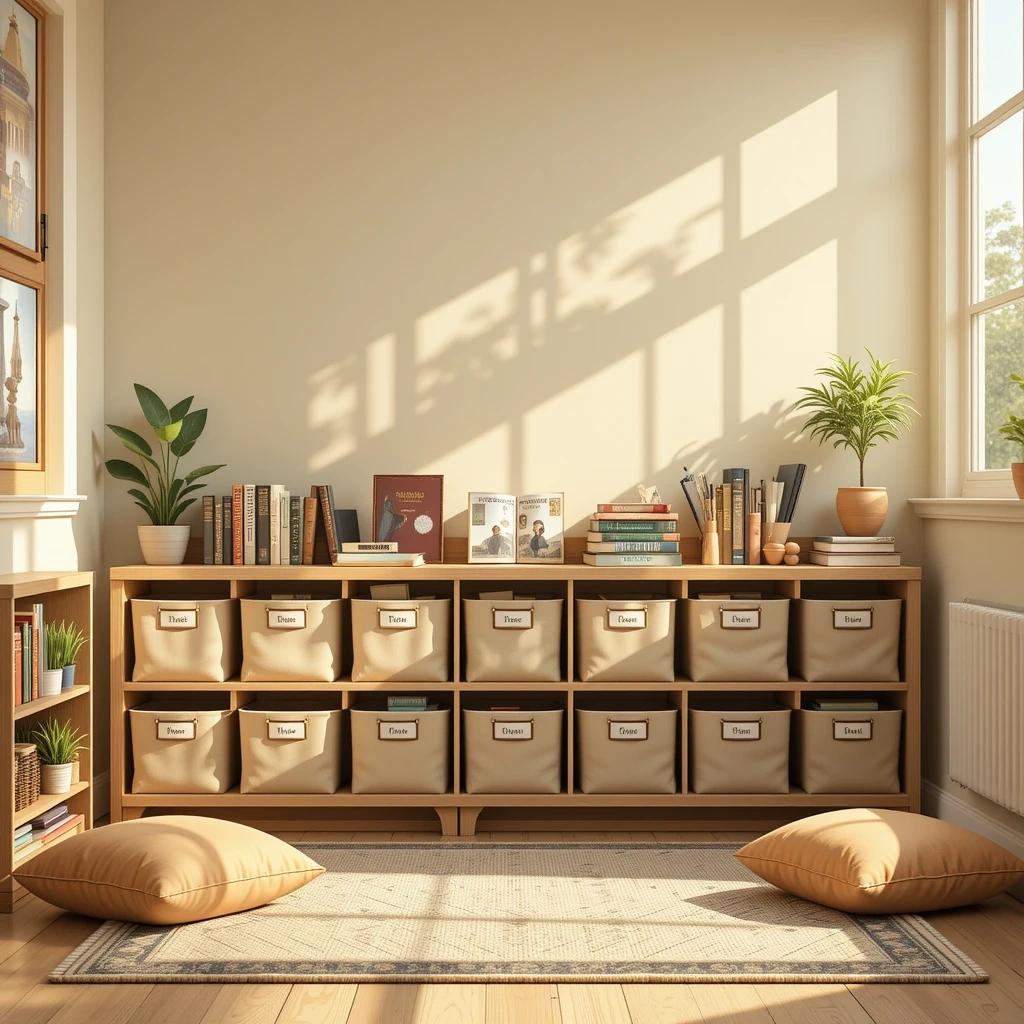
A classroom library only stays inviting if kids can find (and return) books easily. Labeled bins sorted by genre, reading level, or topic make browsing simple for even your youngest readers.
How to Style It:
- Sort bins by genre with picture-and-word labels for early readers
- Use baskets in soft, coordinating colors to keep the corner feeling calm
- Add a small rug or floor cushions nearby to invite reading
Where to Use It: A reading nook, corner shelf, or low bookshelf that’s easily reachable for students.
Pro Tip: Color-code the bin labels to match a genre key posted on the wall so students learn the system fast.
3. Wall Pocket Chart Organizer
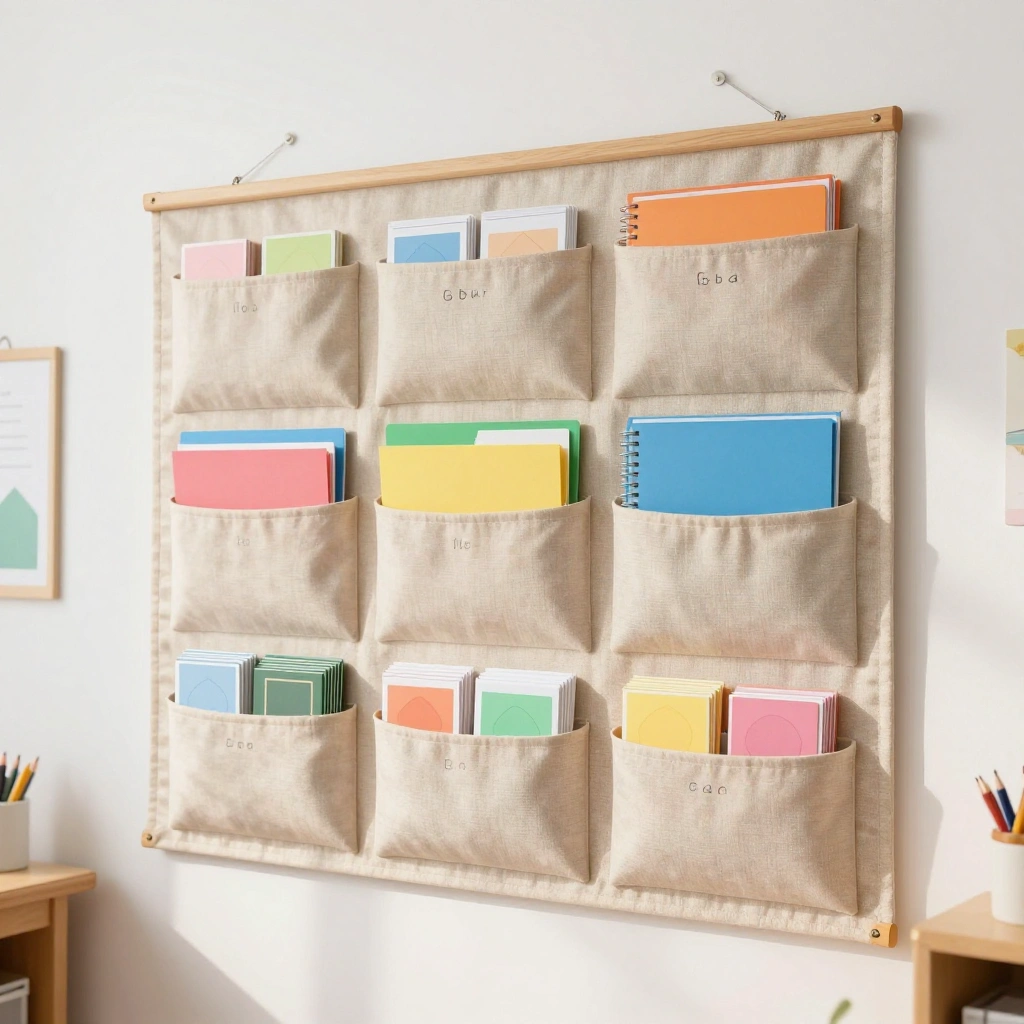
A hanging pocket chart is perfect for organizing student work, assignments, or daily schedules. It keeps papers visible, sorted, and off your desk.
How to Style It:
- Choose a pocket chart in a soft neutral or pastel tone
- Label each pocket clearly with student names or subject titles
- Hang it at eye level for easy student access
Where to Use It: Near the classroom entrance for turn-in folders, or beside the whiteboard for daily schedule cards.
Pro Tip: Use a pocket chart with clear plastic sleeves so papers stay visible without needing extra labels.
4. Magnetic Whiteboard Supply Board
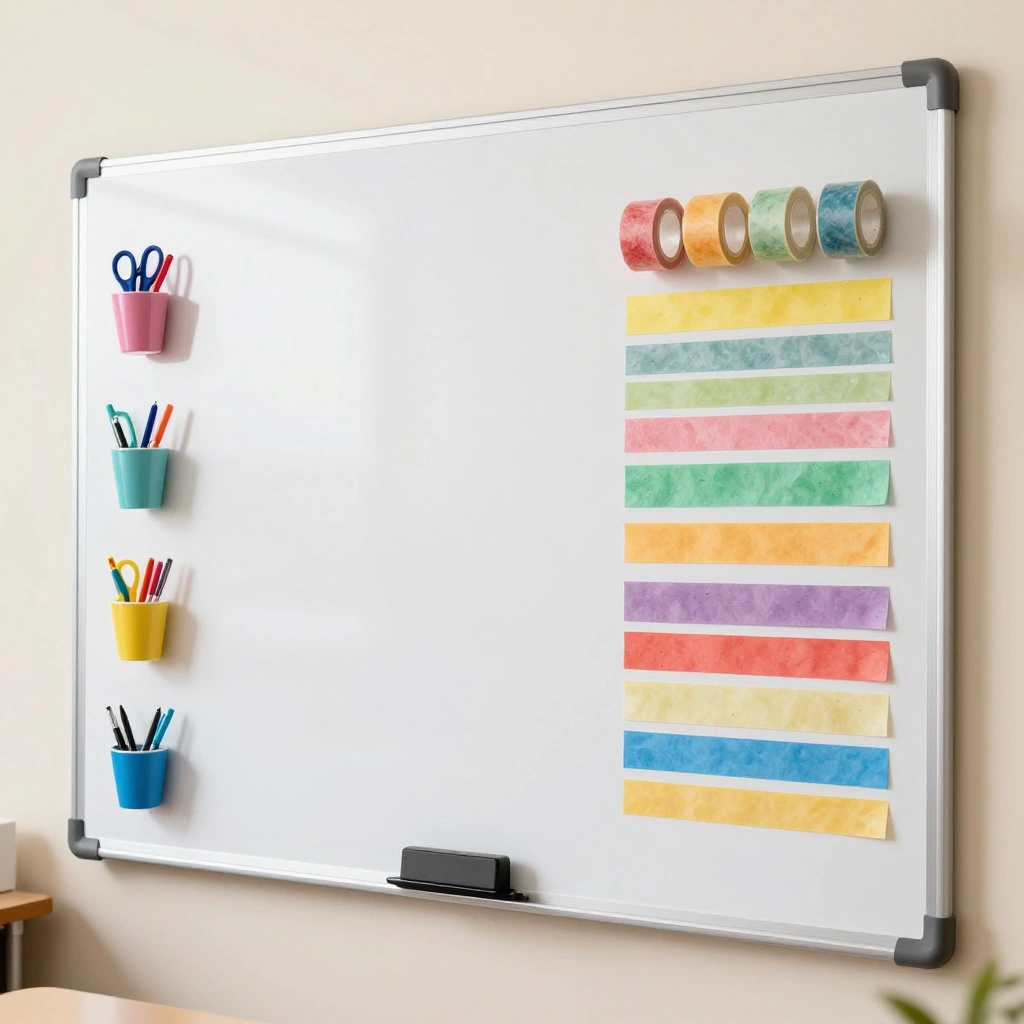
A magnetic whiteboard doubles as a message center and a supply organizer. Add magnetic cups, clips, and hooks to hold everyday tools within arm’s reach.
How to Style It:
- Attach magnetic cups for pens, scissors, and sticky notes
- Use washi tape to section off areas like “To Grade” and “To File”
- Add a small magnetic calendar for quick date reference
Where to Use It: Right beside your teacher desk or near the front instructional area.
Pro Tip: Group by frequency of use — keep daily tools front and center, and monthly items toward the edges.
5. Desktop Drawer Divider System
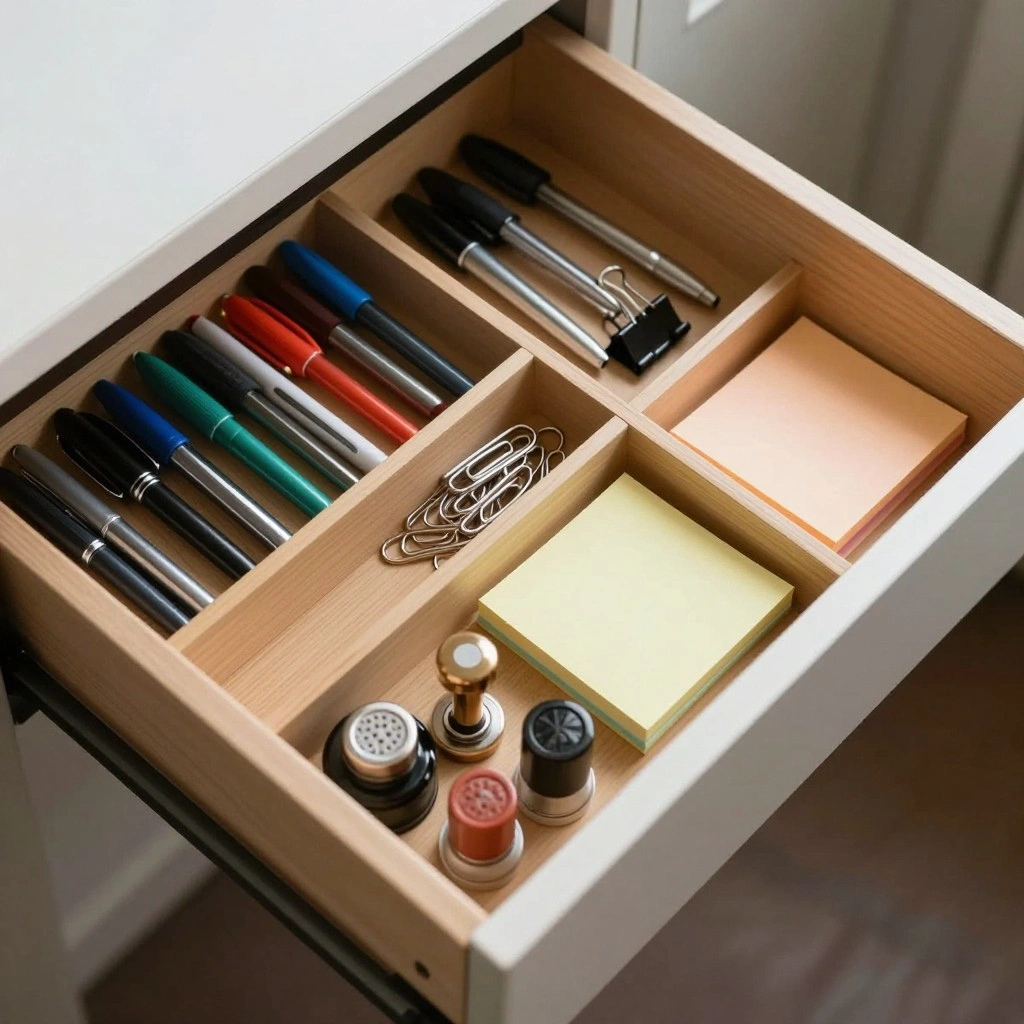
Desk drawers become chaotic fast without dividers. Adding small trays and dividers keeps paperclips, sticky notes, and stamps sorted and easy to find.
How to Style It:
- Use bamboo or acrylic drawer dividers for a clean, modern look
- Group similar items together (writing tools, adhesives, small supplies)
- Add small labels inside each divided section
Where to Use It: Inside your main teacher desk drawers, especially the top drawer you use daily.
Pro Tip: Keep one drawer section empty for “in progress” items so nothing gets buried at the bottom.
6. Clipboard Wall for Student Files
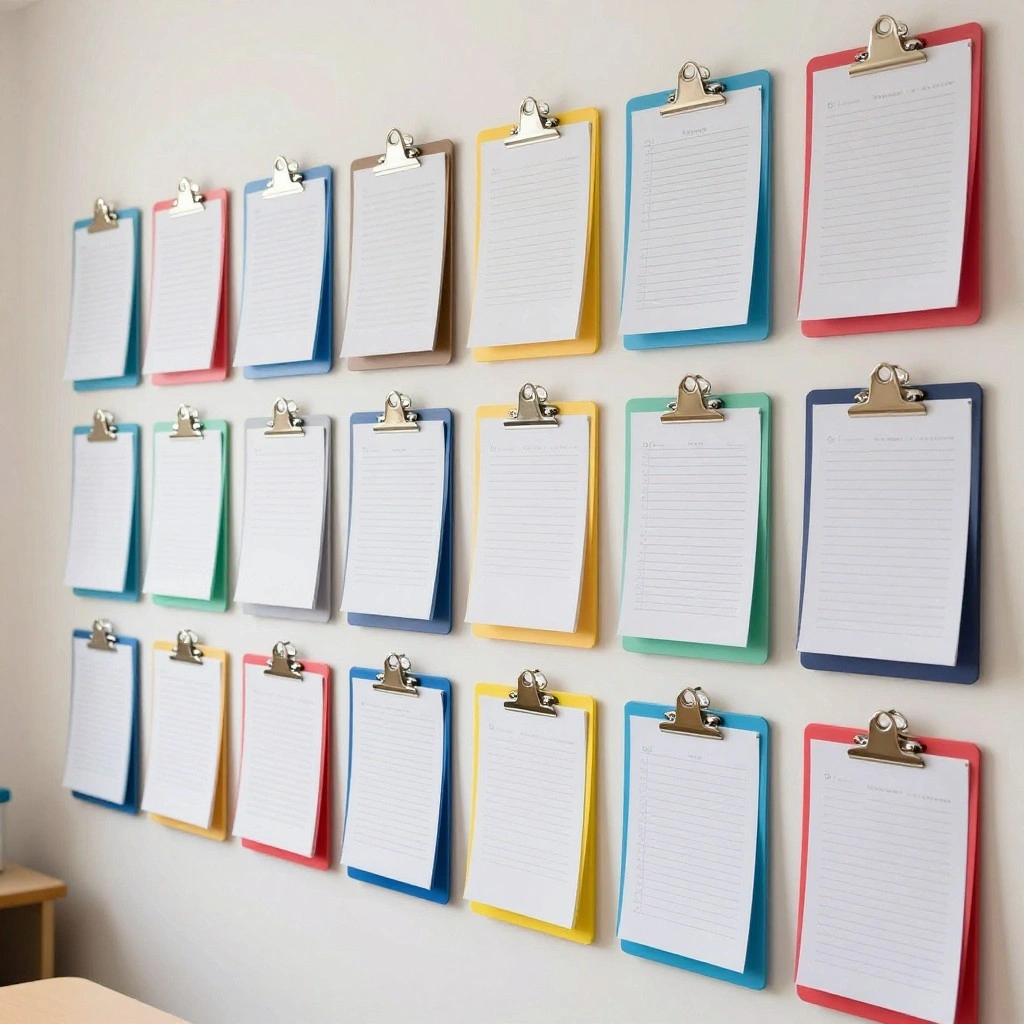
A row of clipboards mounted on the wall gives every student a visible spot for their current work, behavior chart, or classroom job assignment.
How to Style It:
- Choose clipboards in a fun rainbow of colors or matching neutrals
- Add name labels to the top of each clipboard
- Hang them in neat rows using small removable hooks
Where to Use It: A side wall near student desks or a classroom job/helper station.
Pro Tip: Use colored clipboards to represent classroom groups or table teams for quick visual sorting.
7. Color-Coded Subject Folder System
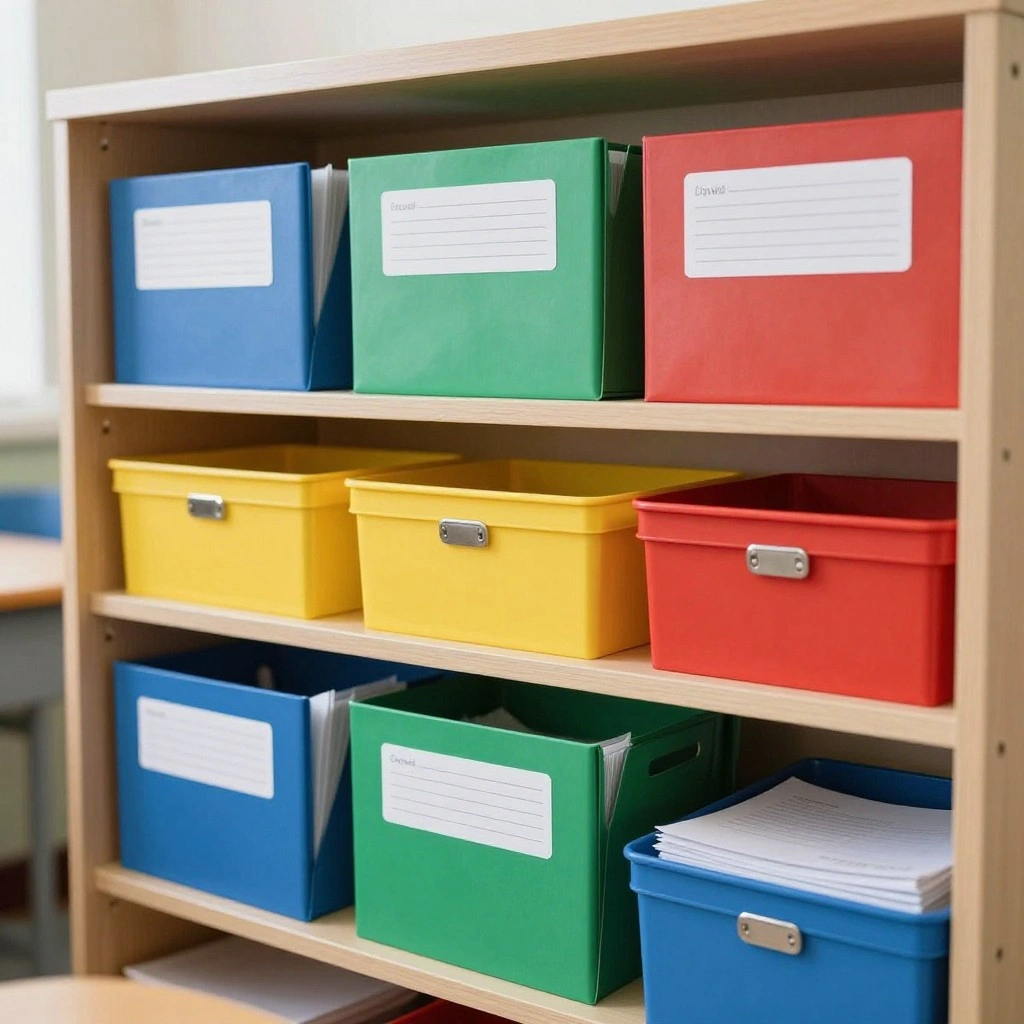
Color-coding subjects makes it easy for both teachers and students to grab the right materials at a glance — no more shuffling through mismatched folders.
How to Style It:
- Assign one color per subject (blue for math, green for science, etc.)
- Use matching folders, bins, and label tags
- Repeat the color code on the class schedule for consistency
Where to Use It: A classroom shelf, filing cabinet, or student cubby area.
Pro Tip: Stick with the same color system all year so students build a lasting visual habit.
8. Over-the-Door Shoe Organizer for Supplies
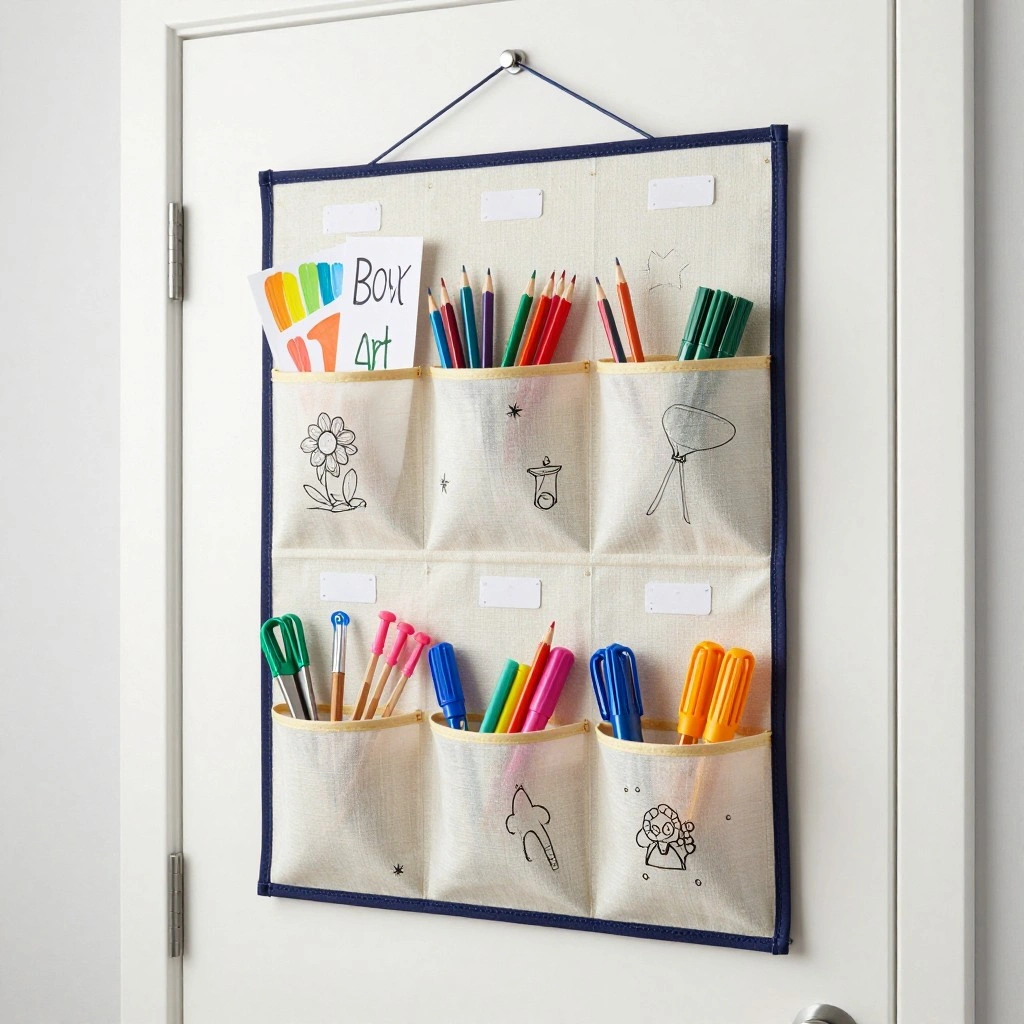
An over-the-door shoe organizer isn’t just for shoes — the small pockets are perfect for storing craft supplies, glue sticks, dry erase markers, and more.
How to Style It:
- Choose a canvas organizer in a solid, classroom-friendly color
- Label each pocket with a picture or word tag
- Fill pockets by category (art supplies, math manipulatives, extra pencils)
Where to Use It: The back of a supply closet door or classroom entry door.
Pro Tip: Reserve the bottom pockets for items students can access independently, and top pockets for teacher-only supplies.
9. Mason Jar Desk Caddy
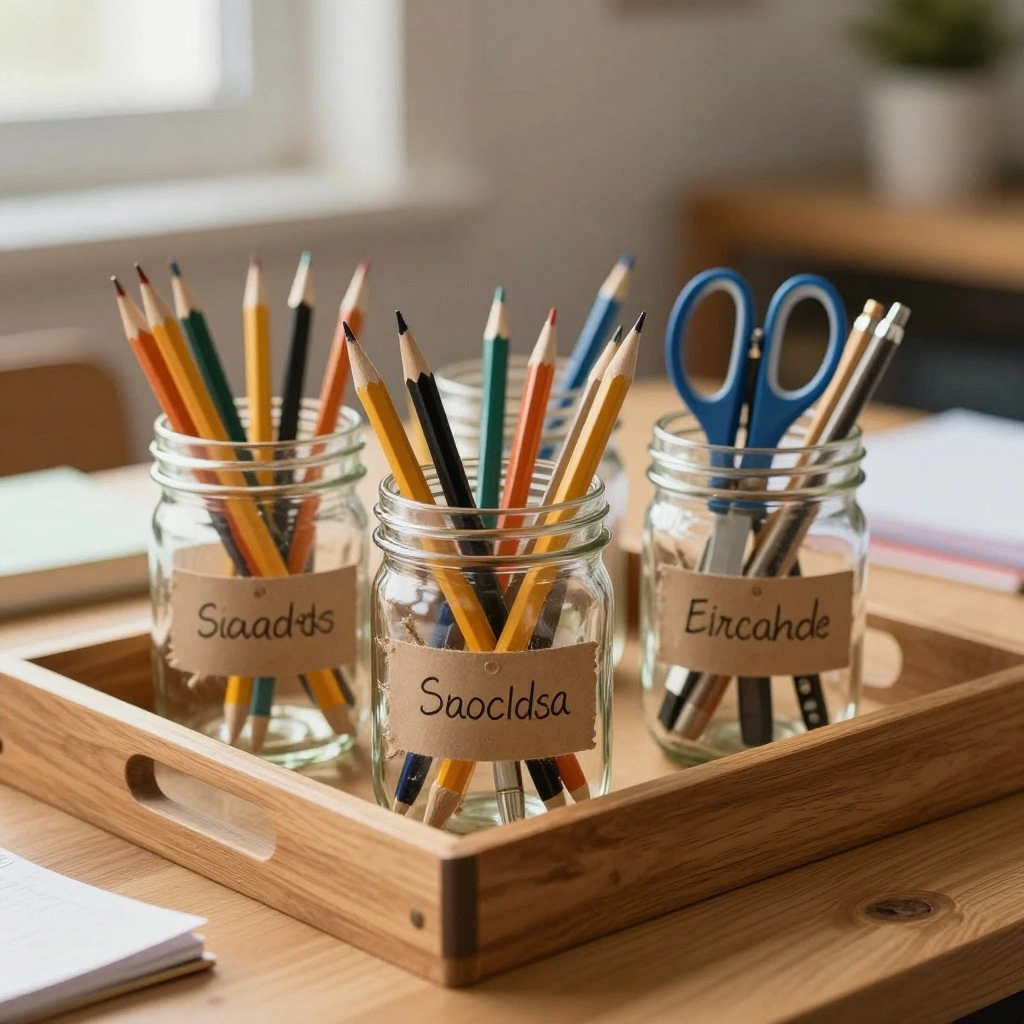
Mason jars arranged on a tray make a charming and functional caddy for pencils, scissors, and small supplies right on your desktop.
How to Style It:
- Group 3–5 jars of varying heights on a wooden tray
- Add twine or a small chalk label to each jar
- Keep colors soft and neutral for a calm desk look
Where to Use It: The corner of your teacher desk or a shared classroom supply table.
Pro Tip: Add a small pebble or sand layer at the bottom of each jar to weigh it down and prevent tipping.
10. Vertical File Sorter Station
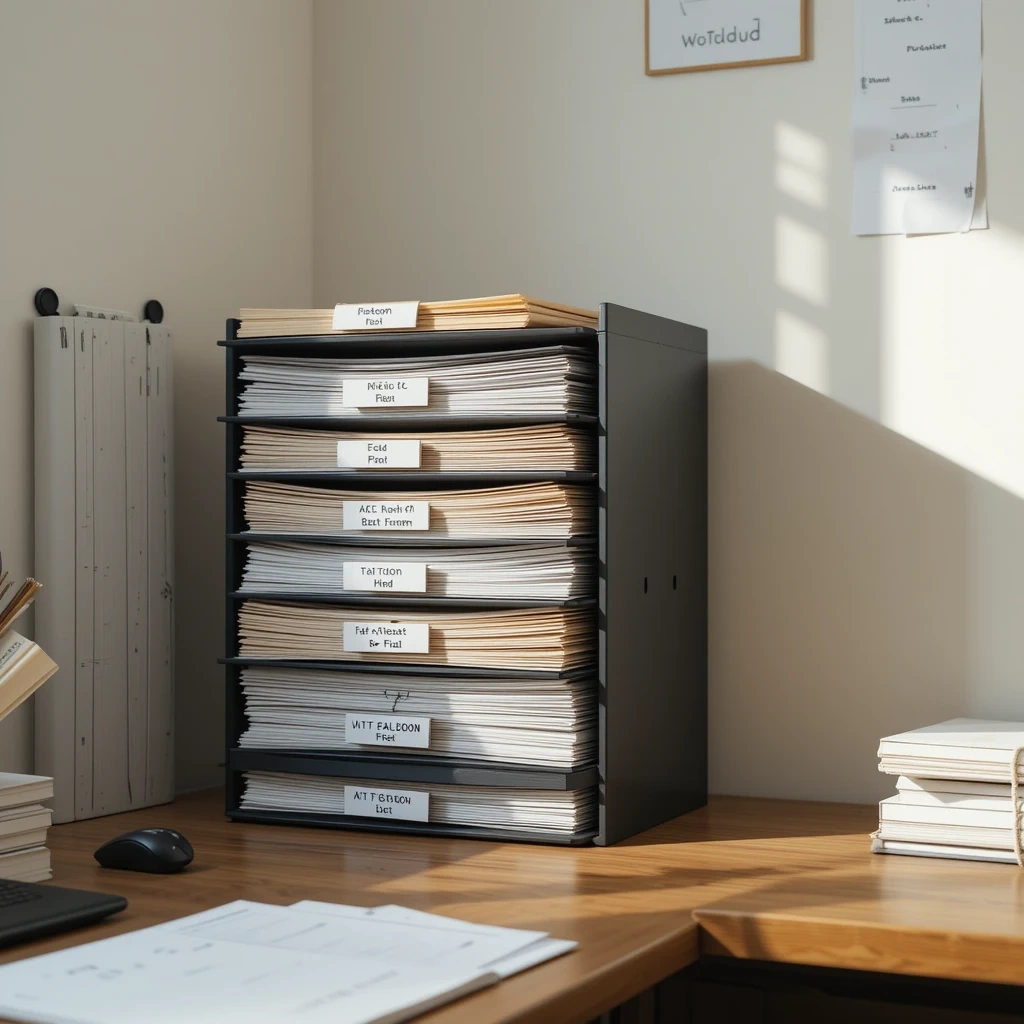
A vertical file sorter keeps papers upright and easy to flip through, which is a huge upgrade from flat, messy paper stacks on your desk.
How to Style It:
- Choose a sorter with 5–7 slots for daily or weekly sorting
- Label each slot by day, subject, or task (“To Copy,” “To Grade,” “To File”)
- Place it upright to keep papers from curling or slipping
Where to Use It: Directly on your teacher desk or a nearby counter within arm’s reach.
Pro Tip: Do a 5-minute “empty the sorter” habit at the end of each day so paperwork never piles up.
11. Basket Bin Reading Corner
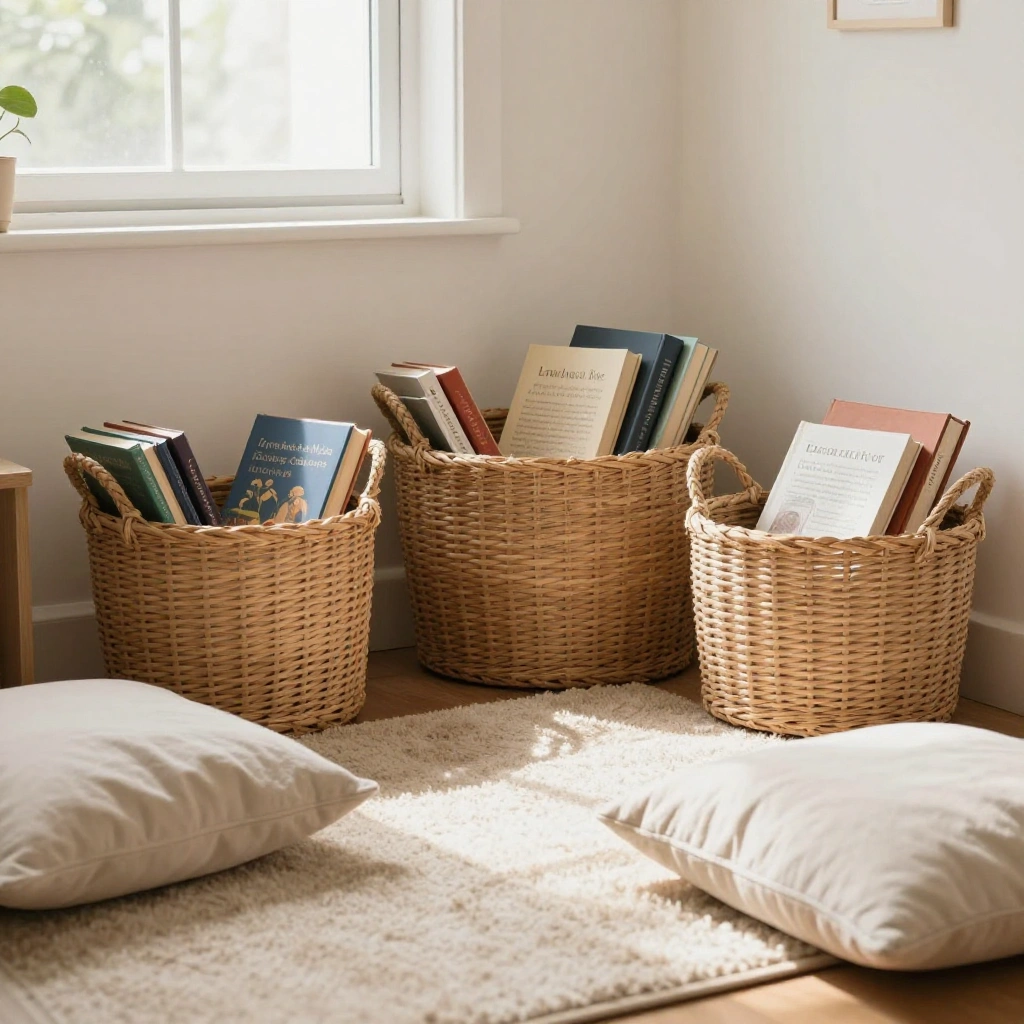
A soft, welcoming reading corner with labeled baskets encourages kids to explore books independently while keeping the space tidy.
How to Style It:
- Layer 2–3 basket sizes for big books, small books, and magazines
- Add a soft rug and floor pillows for comfort
- Use a small shelf or crate stack to display book covers forward
Where to Use It: A quiet corner of the classroom, away from high-traffic areas.
Pro Tip: Rotate a few books weekly to keep the corner feeling fresh and exciting.
12. Command Hook Cord & Charger Station
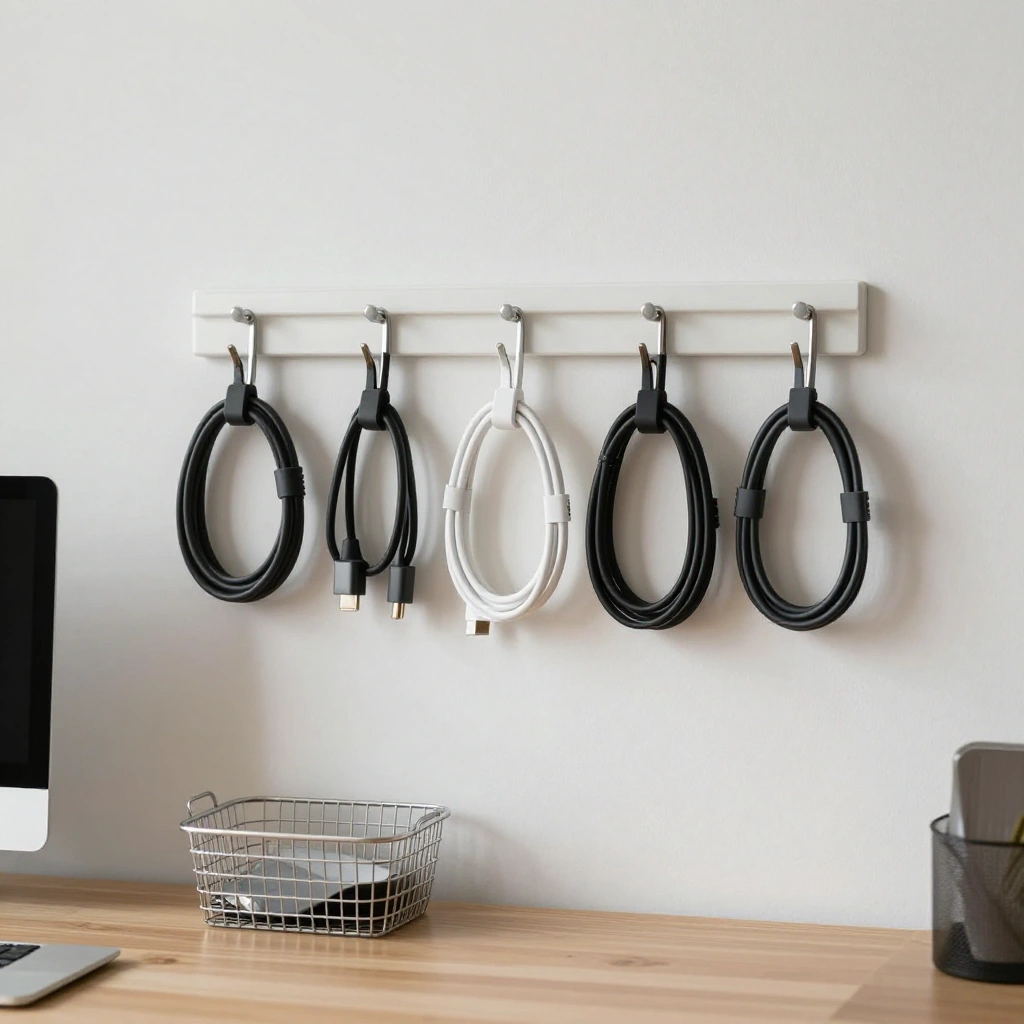
Tangled cords and lost chargers are a daily headache. A simple command hook station keeps cords sorted, labeled, and off your desktop.
How to Style It:
- Use small adhesive hooks to loop and hang each cord
- Add labeled cord clips so you always know which charger is which
- Keep a small basket underneath for headphones or extra adapters
Where to Use It: The wall behind your desk or the side of a bookshelf near an outlet.
Pro Tip: Use binder clips to keep cords from slipping behind the desk when not in use.
Common Mistakes to Avoid
- Over-organizing without a system students understand — beautiful bins won’t stay tidy if students don’t know where things go.
- Choosing too many colors or patterns — a busy visual system can overwhelm rather than help.
- Skipping labels — even simple picture labels make a huge difference for younger students.
- Ignoring maintenance — the best system still needs a quick daily or weekly reset to stay functional.
- Placing high-use items out of reach — always keep daily-use tools within easy arm’s reach.
Frequently Asked Questions about Teacher Desk Organization Ideas
What’s the most affordable way to start organizing my classroom? Start with what you already have — repurpose jars, boxes, and baskets before buying new storage. Labels and a simple color-coding system cost very little and make the biggest impact.
How often should I reorganize my classroom? A quick daily tidy plus a deeper reset at the end of each month or unit works well for most classrooms.
What organization system is best for young children? Picture-and-word labels, color-coding, and low, accessible bins work best for younger students who are still learning to read.
Can I involve my students in classroom organization? Yes — assigning simple organization jobs (like “Book Basket Helper”) builds responsibility and helps the system last longer.
What’s a good first project if I only have a weekend to organize? The desktop drawer divider system and vertical file sorter station are quick, low-cost projects that make an immediate difference.
Final Thoughts
Teacher Organization ideas A well-organized classroom isn’t about perfection — it’s about creating a space where you and your students can find what you need, when you need it, without the daily stress of clutter. You don’t have to tackle all 12 of these ideas at once. Pick one or two that fit your space and budget best, get them set up, and build from there.
Small changes, like adding labels or grouping supplies by color, add up to a classroom that feels calmer and runs more smoothly all year long.